

Google's Firestore and Datastore emulators, one flag away.
Documents, entities, collections and kinds on Google's own emulators, opt-in with --services, and MongoDB drivers through Firestore with MongoDB compatibility.
Backed by: Google's Firestore and Datastore emulators Google's emulator
Get startedWhat it covers
Firestore and Datastore run on Google’s own emulators and start when you ask for them with --services. Each has an official emulator variable, so an application needs no code change. The coverage table links each verified operation to its test, including the Firestore Admin API and measured persistence in persistent mode. CloudBurrow also serves Firestore with MongoDB compatibility: its own server for the MongoDB wire protocol, in front of the same Firestore documents, so a MongoDB driver and the Firestore client read each other’s writes.
- Firestore documents and collections through the official SDKs
- Datastore entities and kinds through the official SDKs
- Queries and transactions
- Firestore Admin database, index and backup operations
- Firestore data survives a restart in persistent mode (#1615)
- Firestore with MongoDB compatibility: the MongoDB wire protocol on its own port, through the official MongoDB driver (#1703)
- MongoDB reads, writes, aggregates, indexes, text search,
explainand multi-document transactions on the database's Firestore documents (#1738) - MongoDB sign-in with SCRAM user credentials or an access token, checked against IAM roles and conditions (#1738, #1742)
In the console
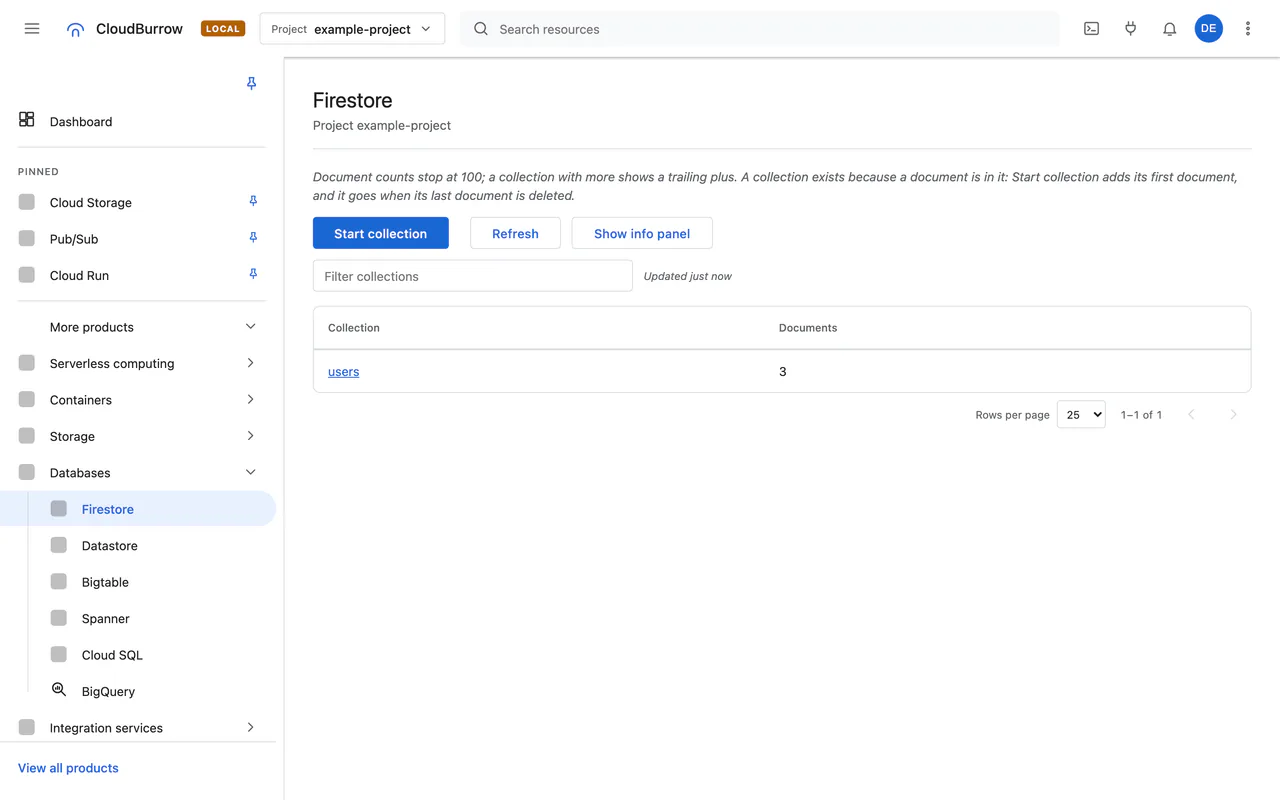
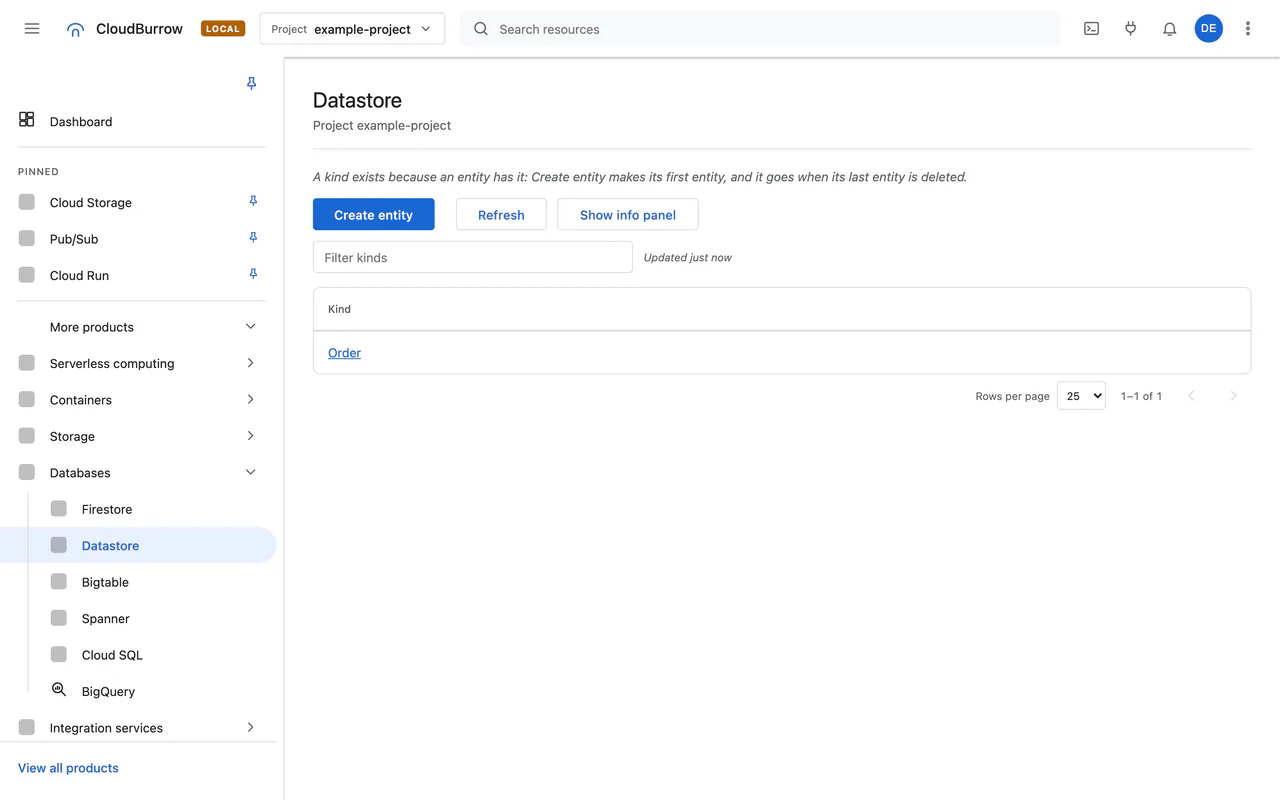
Tested snippet
From docs/examples/ at main 0ea2594. CI runs these blocks against CloudBurrow.
import assert from 'node:assert/strict';
import { randomUUID } from 'node:crypto';
import { Firestore } from '@google-cloud/firestore';

const db = new Firestore({ projectId: process.env.GOOGLE_CLOUD_PROJECT });
const doc = db.collection(`example-${randomUUID()}`).doc('hello');
await doc.set({ greeting: 'hello' });
assert.equal((await doc.get()).get('greeting'), 'hello');
await doc.delete();
await db.terminate();
This block is run by CloudBurrow's Node.js suite in CI. If it stops working, CI fails. docs/examples/node.md
What's verified
Follow the operation matrix to see what the backend serves and the tests linked to Verified calls.
Firestore Admin API
32 of 32 RPCs Verified in v0.3.0
Not supported
- 01 / Local boundary
Check the coverage table for each supported data and admin operation.
- 02 / Local boundary
Firestore with MongoDB compatibility is CloudBurrow's own server, as Google publishes no emulator of it. Commands Google does not list are refused
CommandNotFound.
Source: docs/compatibility.md at main 0ea2594.
Questions
Does Firestore data survive a restart?
Can I use a MongoDB driver?
cloudburrow env exports CLOUDBURROW_FIRESTORE_MONGODB_ENDPOINT, and the connection string Google documents works with the official MongoDB driver. What a driver writes is read back by the Firestore client as the same documents.Build against Google Cloud APIs, locally
Free and open source under Apache-2.0. No account, no sign-up, no Google Cloud bill.