

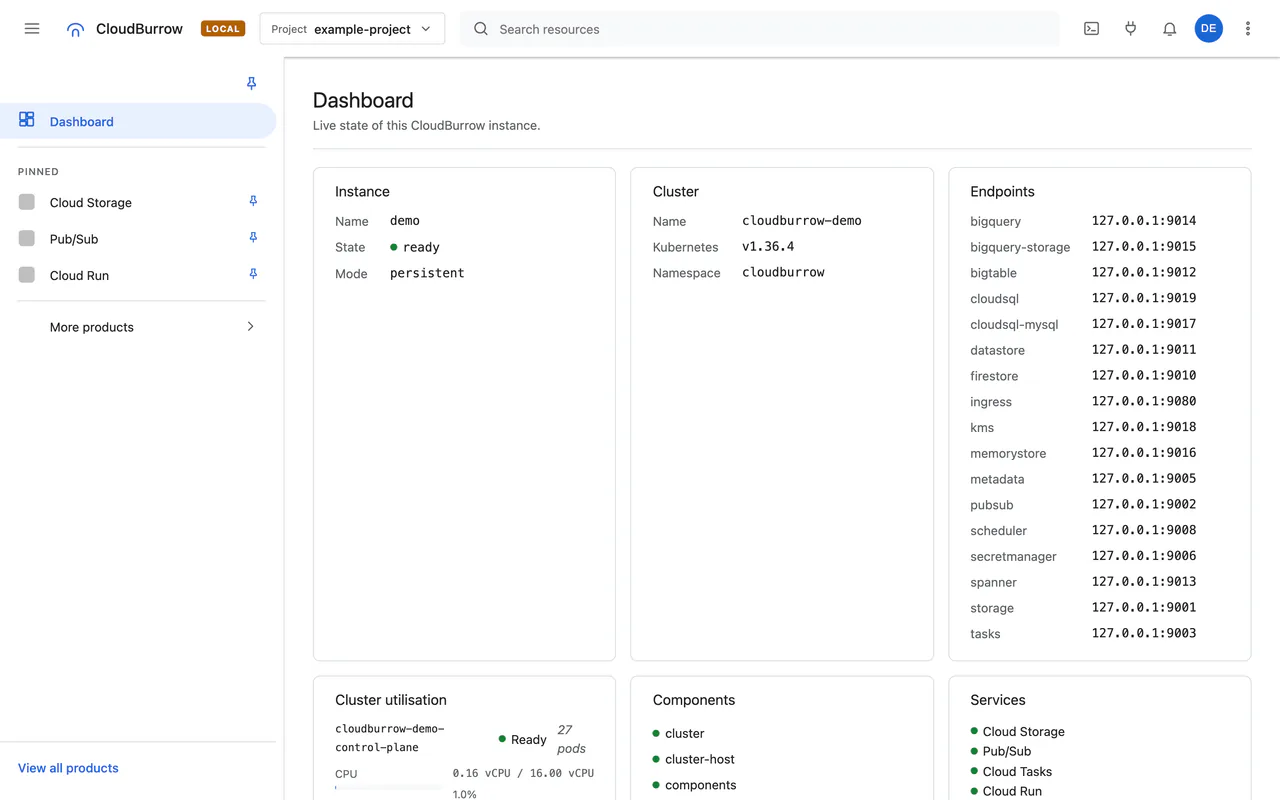
The console, labelled LOCAL.
cloudburrow up serves it at http://127.0.0.1:9090. It is a view, not a second
system: everything it shows is read through the same APIs your SDK calls, and a control appears only
where the backend can perform it.
Product icons are hidden in these captures.
Captured 2026-09-28 from a console built at 5da2bd0; resource names are examples.
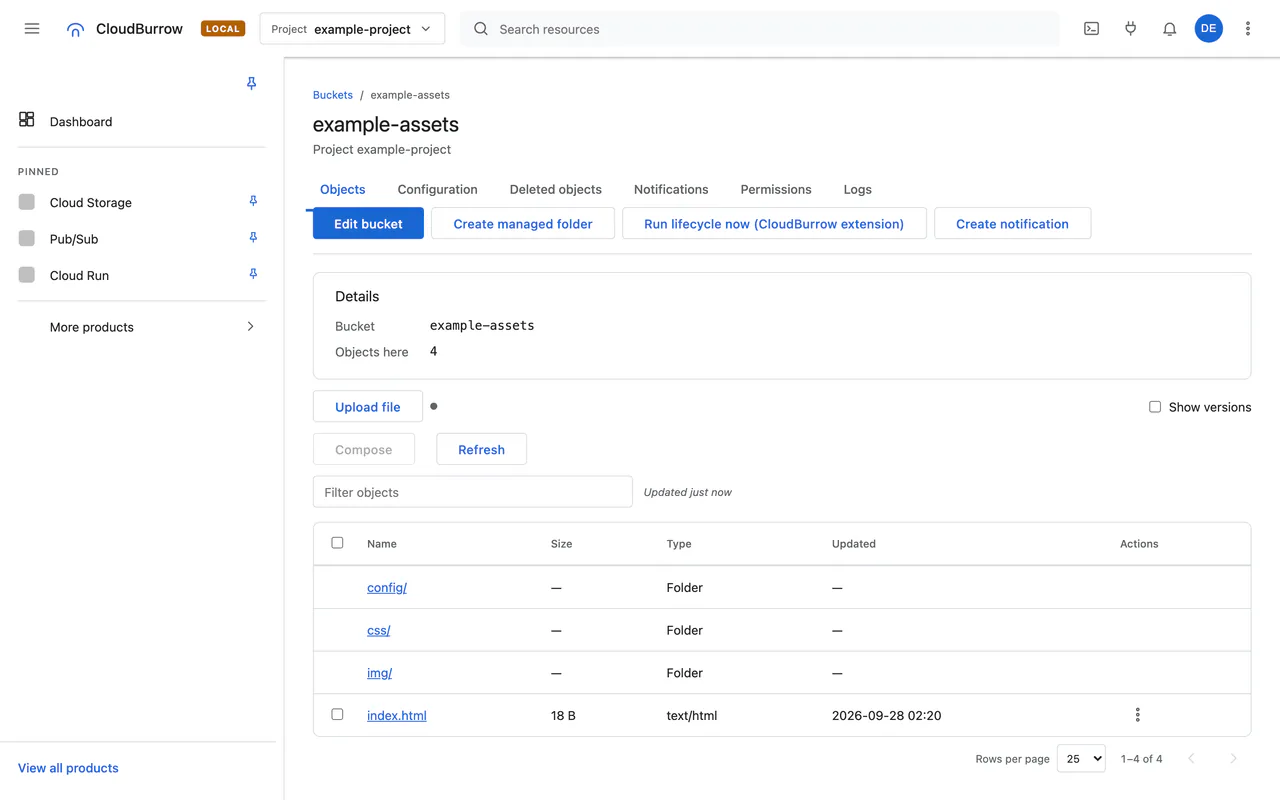
Storage
Upload, download, preview, copy, move and compose objects.
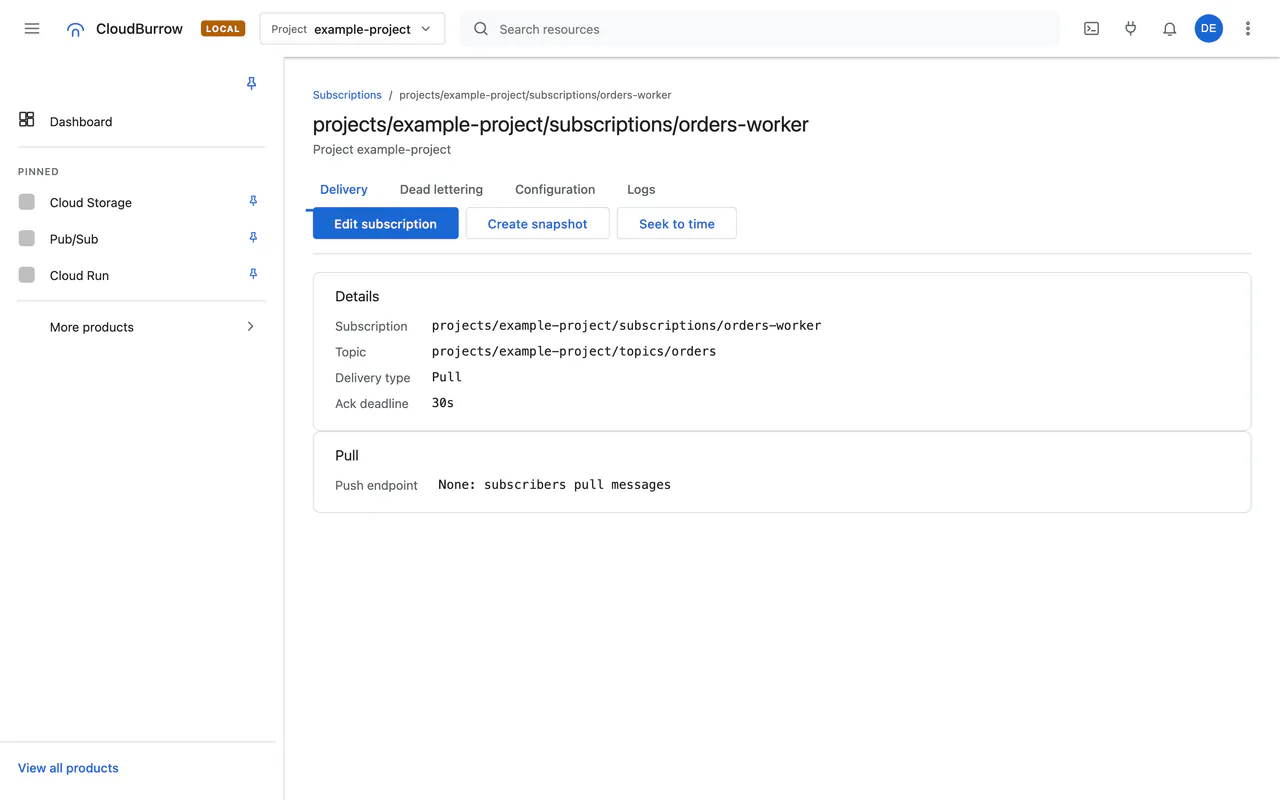
Pub/Sub
Publish and pull.
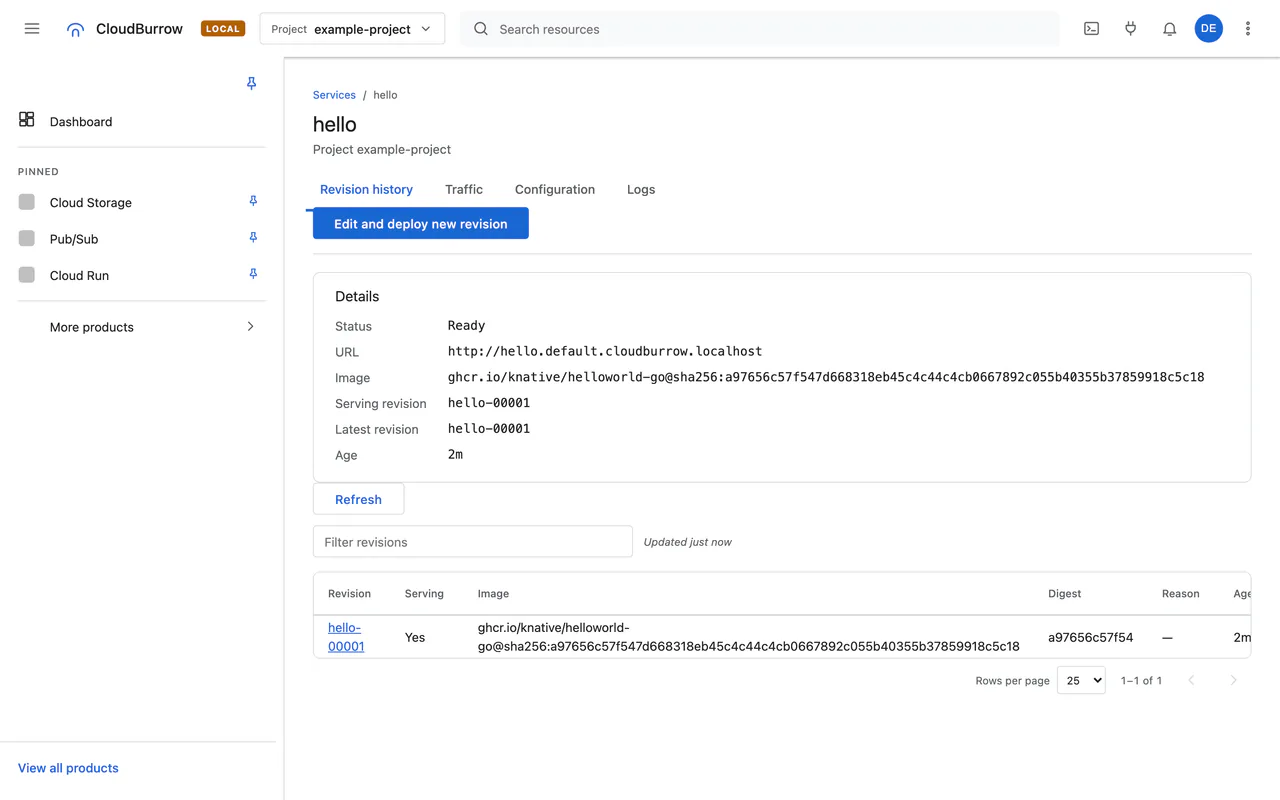
Cloud Run
Deploy, edit and delete services; revisions; jobs over gRPC.
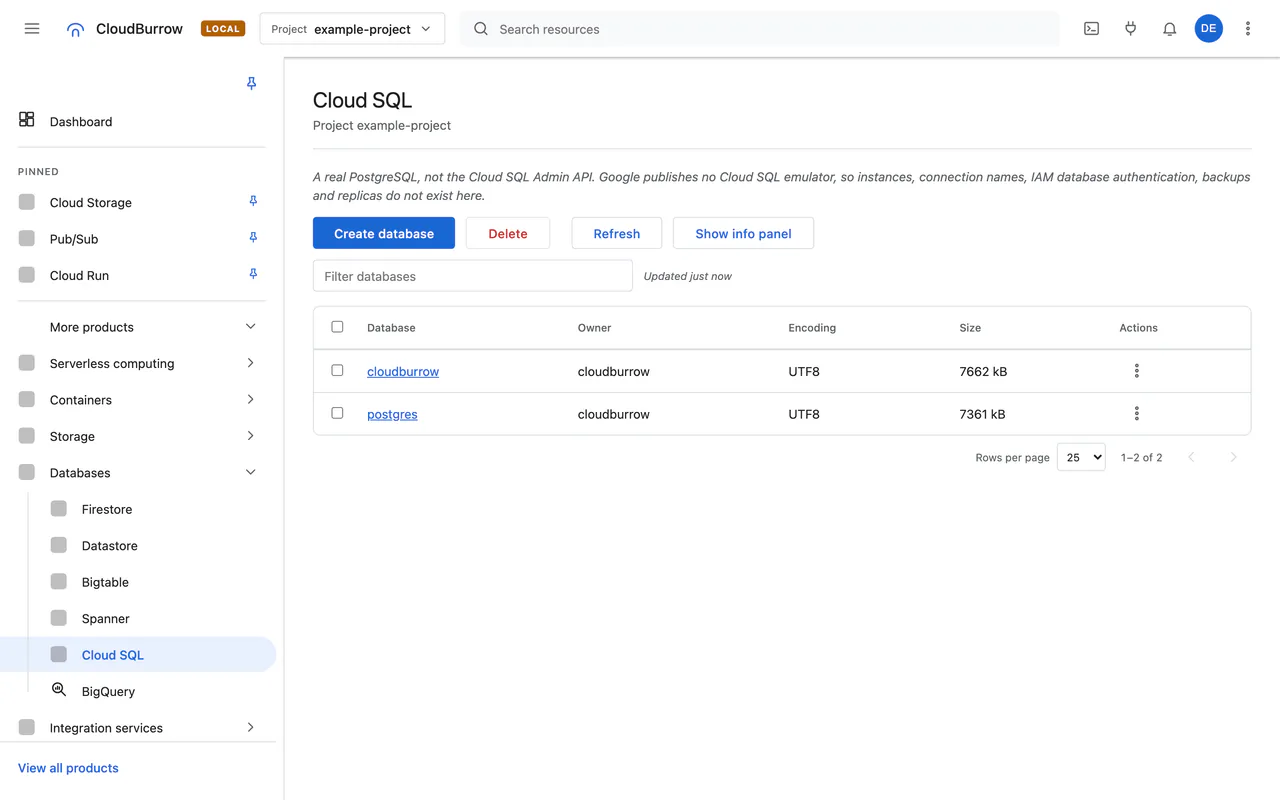
Data
Read-only SQL editors for Cloud SQL and Spanner, query builders for Firestore, Datastore and Bigtable, BigQuery preview.
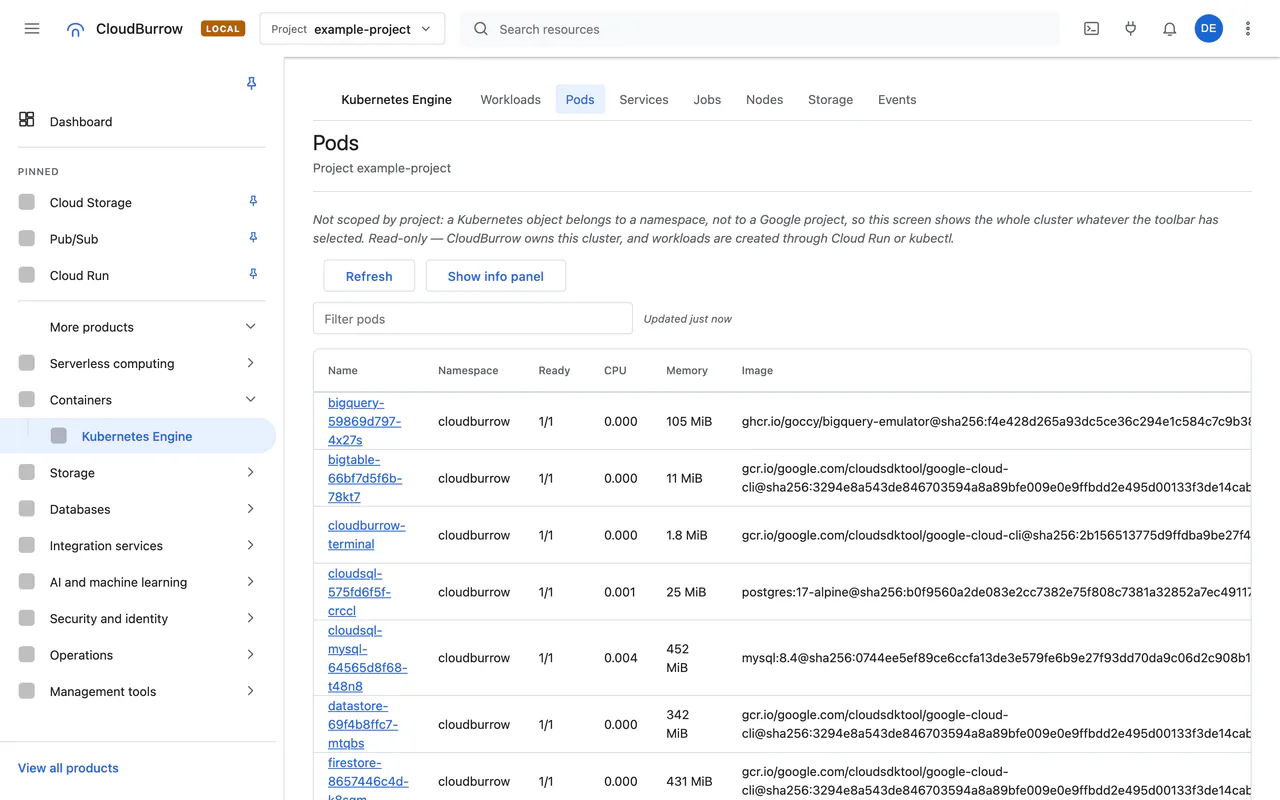
Kubernetes
Read-only workloads, pods, services, jobs, events, nodes and storage, with ownership per object and metric history.
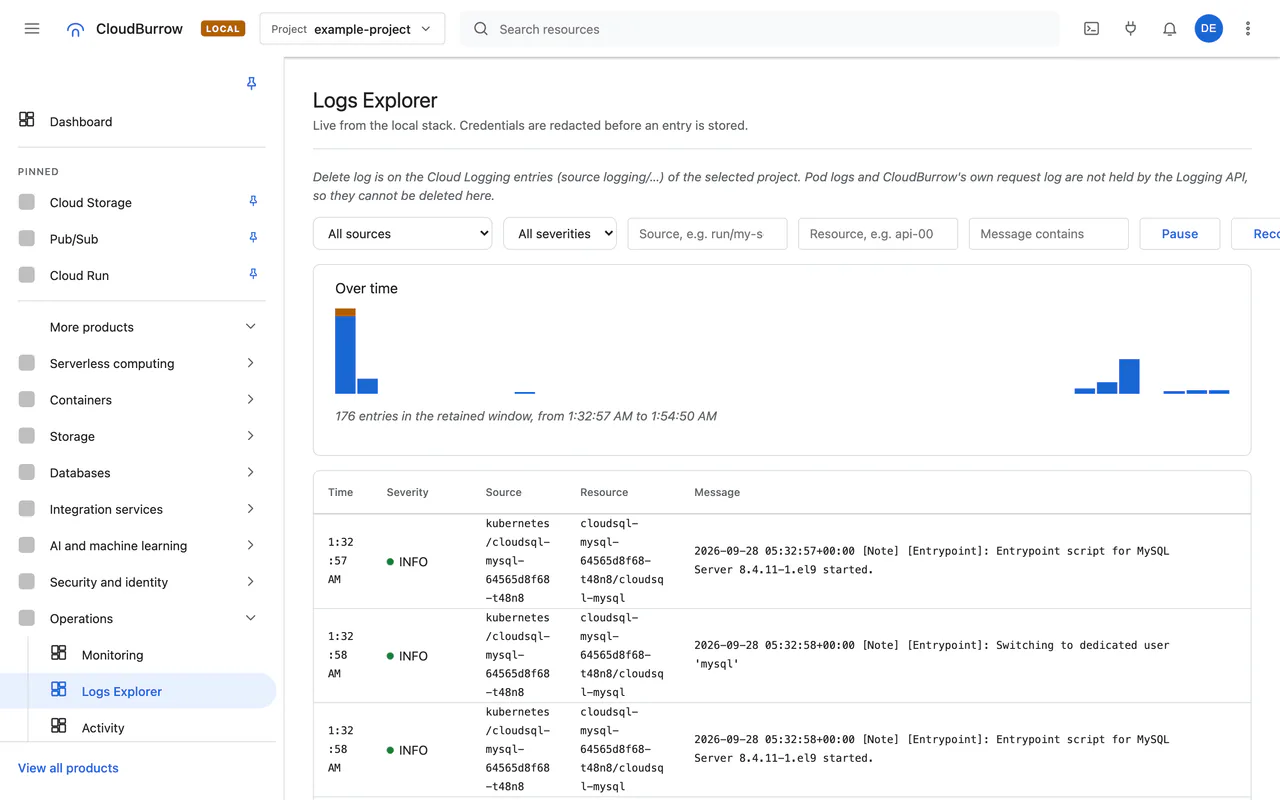
Logs
A live Logs Explorer over server-sent events, with pause, reconnect replay and credential redaction.
Instance
Save and load state, reset, seed, and inject faults.
Terminal next release
The shell runs in a pod in the cluster, never on your machine, with no credentials.
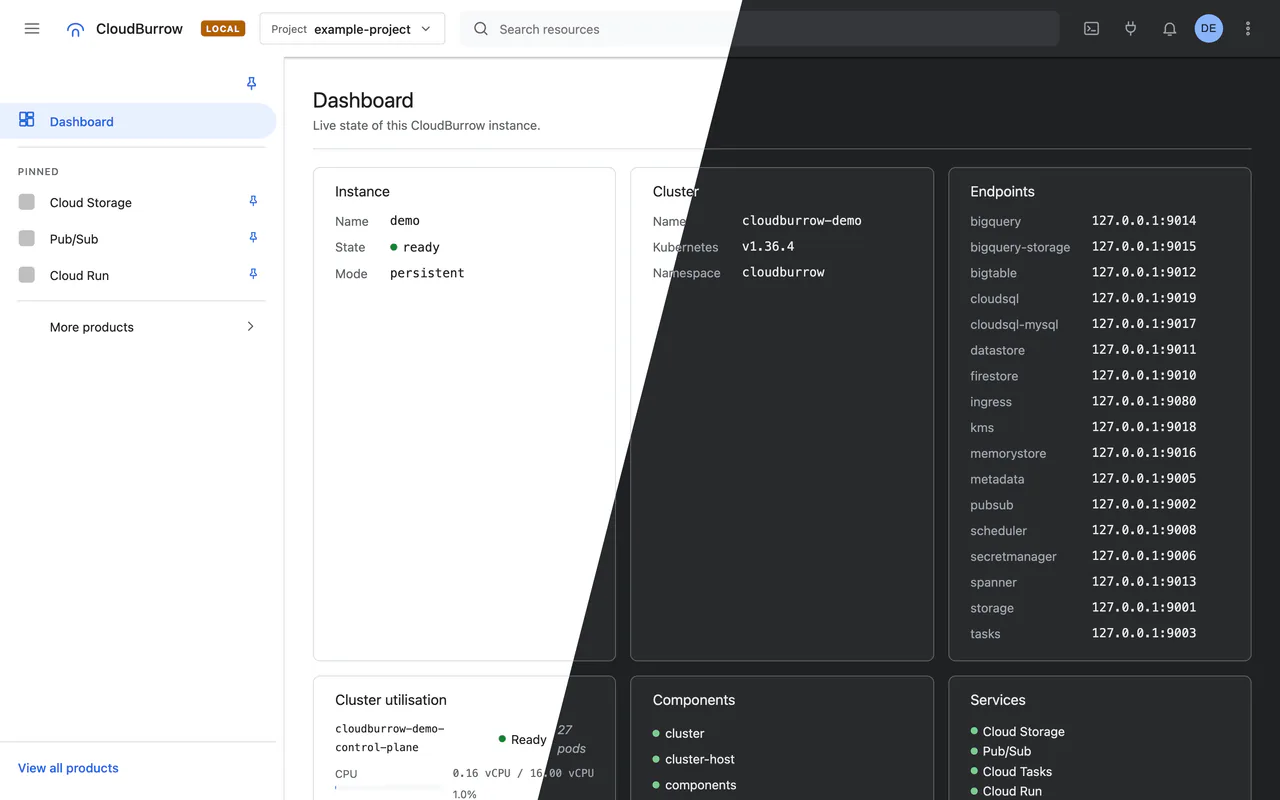
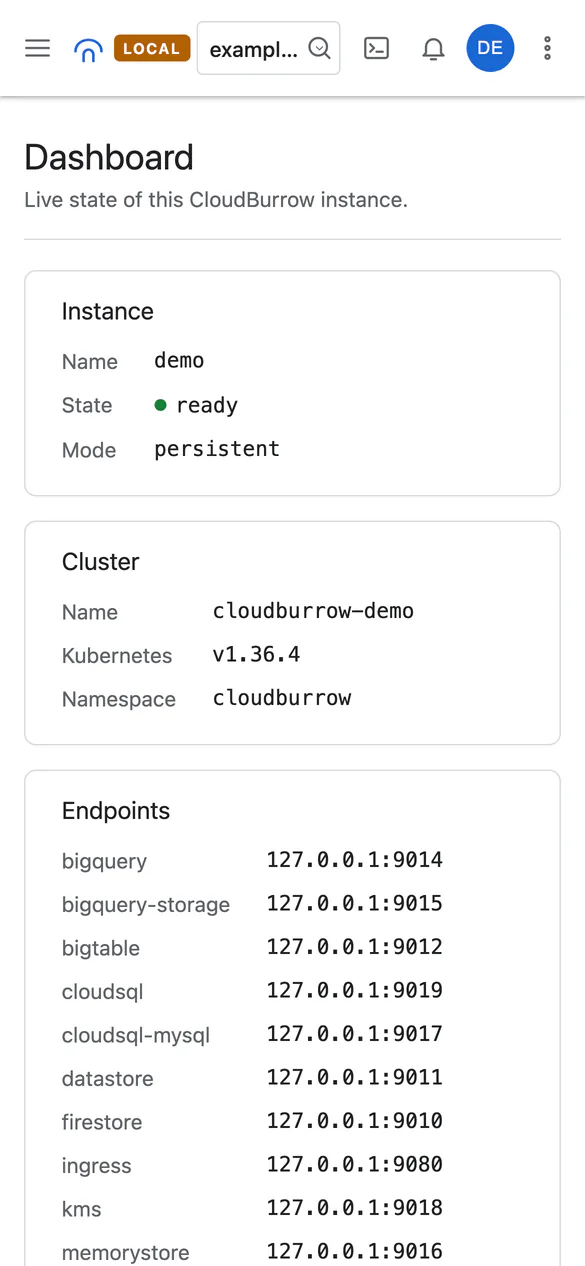
Themes and responsive
Light and dark follow your system or a choice the console remembers, and the layout holds down to a phone.
What it doesn't do
- Not pixel-identical to Google's console; there are no reference captures to compare against
- No billing, quota or IAM screens
- No GKE metadata
- No applying manifests
- No Memorystore screen
- No traffic splitting
Coming to the console next release
- #787 Console: Pub/Sub snapshots and Seek (replay)
- #788 Console: Pub/Sub schemas screen
- #789 Console: Cloud Storage bucket settings edit, retention lock, soft-delete restore and managed folders
- #791 Console: Cloud Storage bucket Pub/Sub notifications
- #793 Console: IAM permissions on queues, secrets, KMS key rings and keys, and buckets
- #797 Console: Bigtable column family edit and row writes (ModifyColumnFamilies, MutateRow)
- #798 Console: Spanner DML from the query editor (Commit)
- #799 Console: delete a Cloud Logging log from the Logs Explorer (DeleteLog)